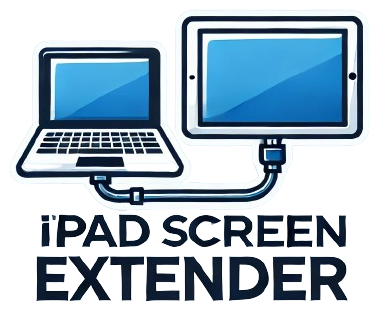
 Ipad Screen Extender
This application only works on Edge and Chrome on an iPad. Safari is currently not supported.
Please ensure the HDMI capture card is connected to the iPad, and the USB-C to HDMI adapter is connected to your laptop. Use an HDMI cable to link the capture card and the adapter.
This is what I used to make it work, and you may need to modify the hardware for your type of iPad.
Due to my company not allowing additional software on the iPad, I built this web app that allows me to extend my laptop display to my iPad while I am on the road. Because of the way this works, I can connect multiple iPads if needed for additional screens.